
23andMe
- Sign in and open Settings.
- Find the 23andMe Data section and request the raw data download.
- Download the .zip file when the email arrives. Upload it as it is.
Supported DNA data
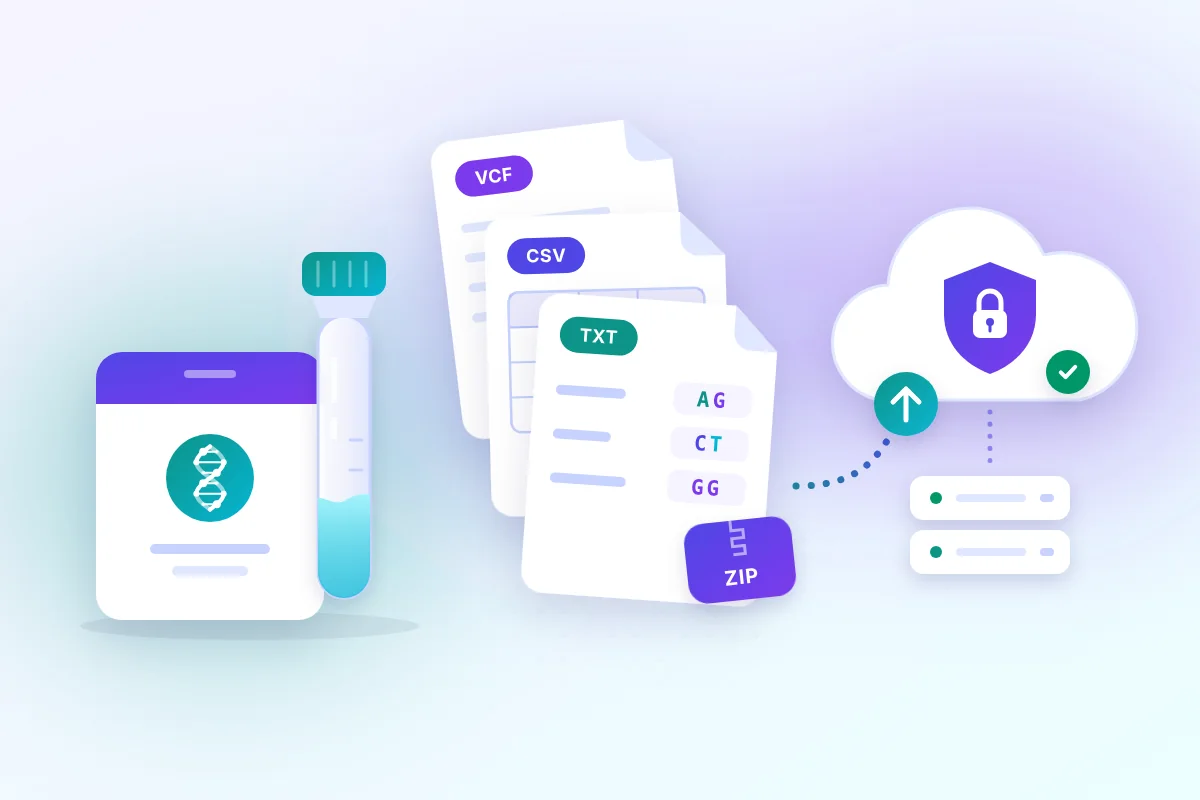
Kantesti reads the raw data files of the major consumer DNA services and VCF files directly, and genetic reports from any laboratory as PDF or photos. Here is what is supported and how to get the file.
| Source | File | Limit |
|---|---|---|
| Raw data from 23andMe, AncestryDNA, MyHeritage, FTDNA, LivingDNA | .txt, .csv, .tsv, also inside .zip or .gz | One file, up to 80 MB |
| VCF from a laboratory or sequencing service | .vcf, also .vcf.gz | One file, up to 80 MB; rsIDs in the ID column |
| Genetic report from any laboratory | PDF, JPG, PNG | Up to 6 files; PDF up to 20 MB, photos up to 10 MB each |
| Genotype lines copied from a report | Pasted text: rsID, chromosome, position, genotype | Up to 2,000,000 characters |
Every service offers a raw data download in the account settings. Menu names change from time to time; the steps below describe the usual path.
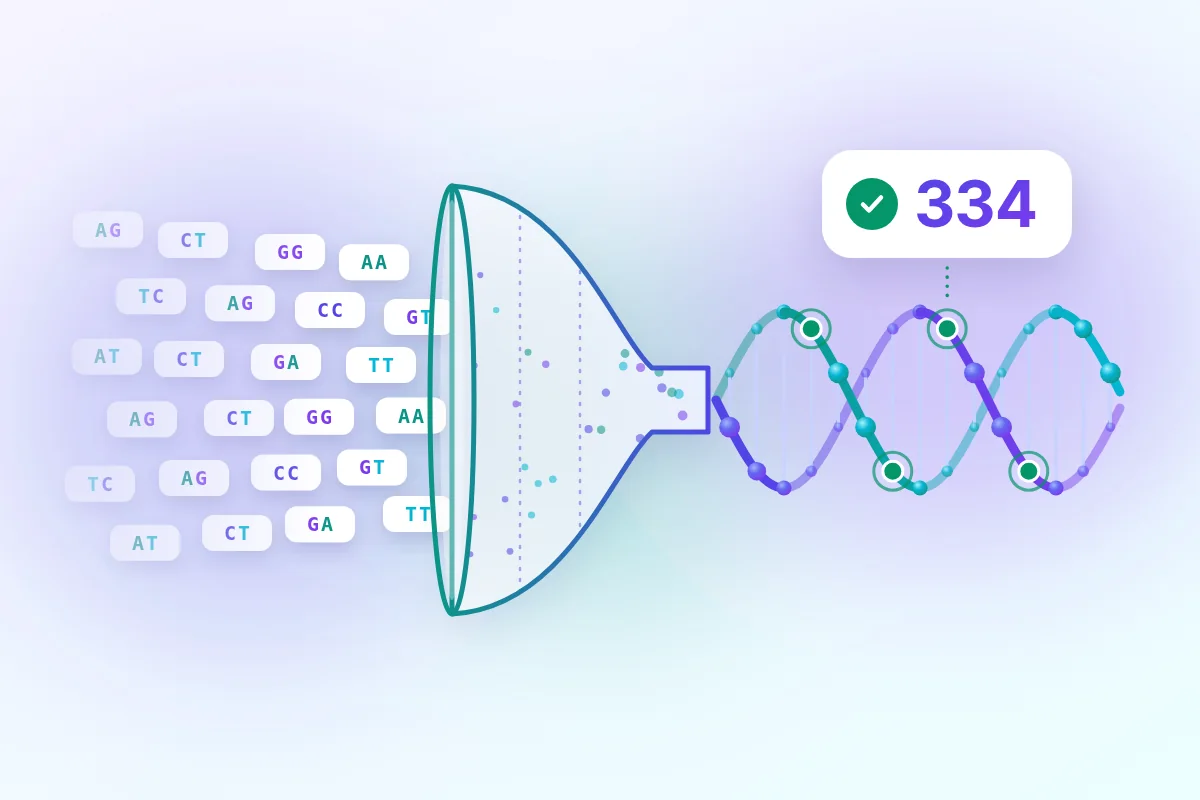
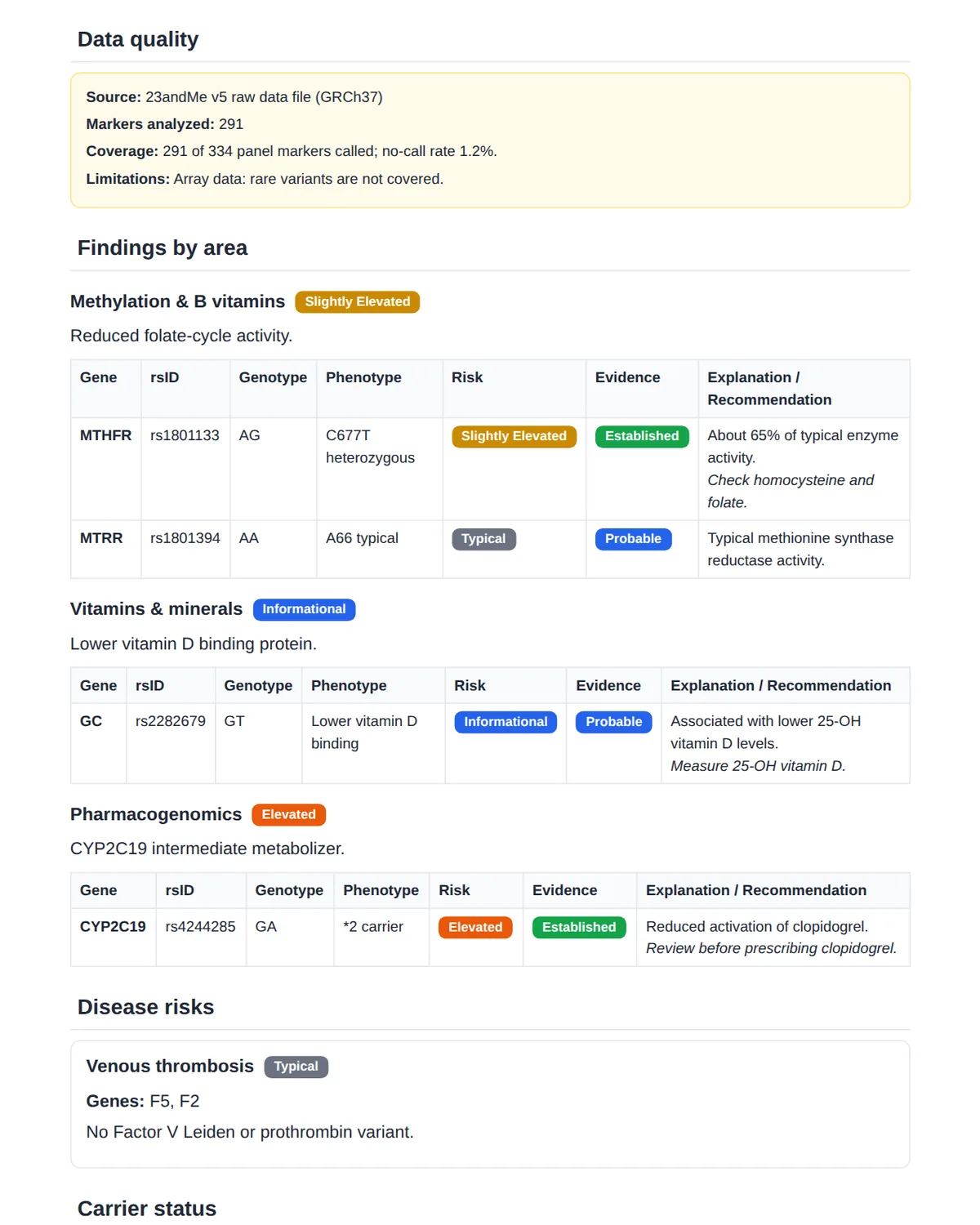
The file is read on the server in a single streaming pass, so even an 80 MB export takes seconds. Only the 334 panel markers are kept; the rest of the genome is not stored.
Arrays, reports and sequencing
Consumer DNA tests are genotyping arrays: they read selected markers, not the whole genome, and they miss rare variants. A report is only as complete as the file behind it, and actionable findings should be confirmed with clinical genetic testing.
A sample DNA test interpretation, DNA + blood report and supplement plan.